Here today: the vision tools
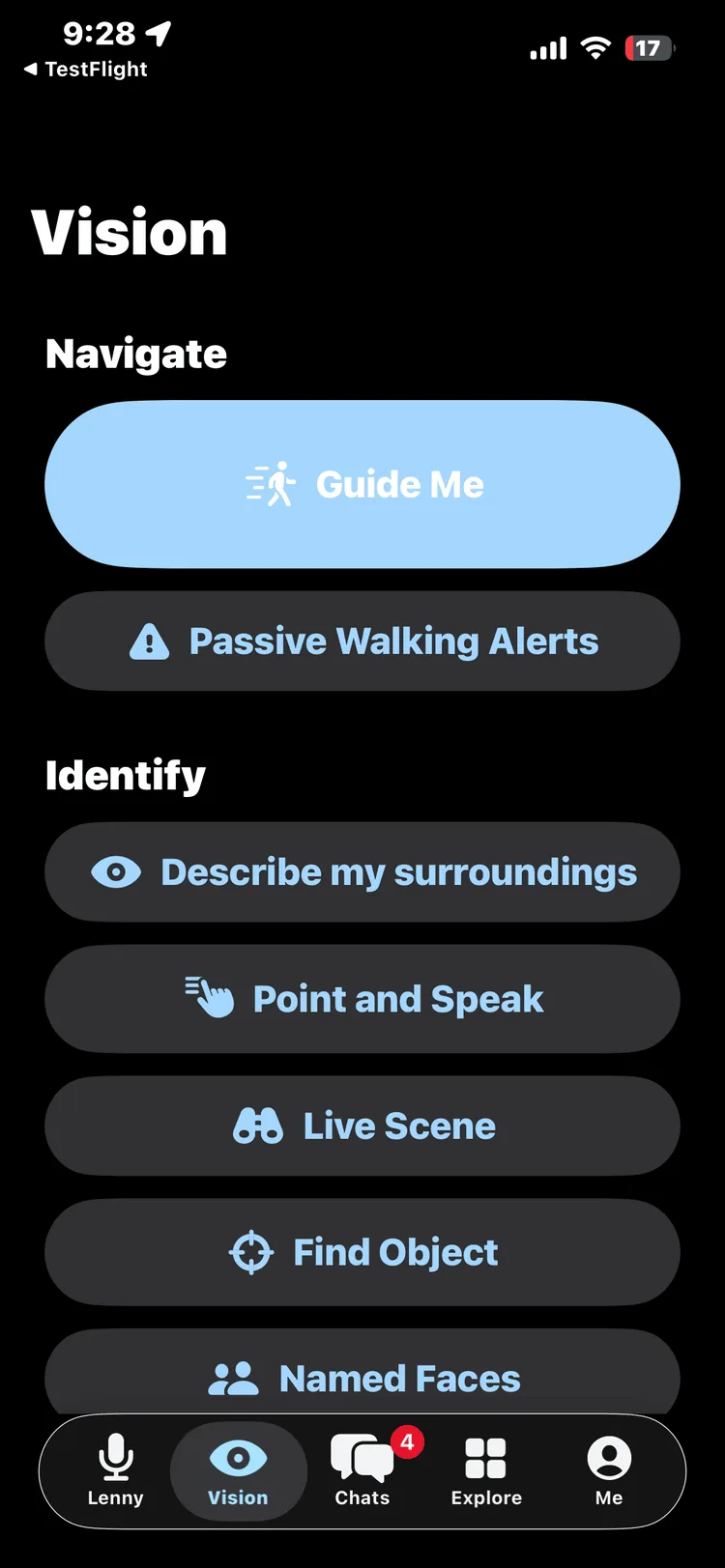
In betaScene description, reading, object and face recognition — all working now in the TestFlight beta, spoken aloud in real time, with most processing done privately on your phone.
Ask her anything — she answers out loud, in seconds.
Speak or type — no sign-up needed.
Talk to Lenny. She answers out loud, and on iPhone she describes what her camera sees — scenes, signs, documents, faces you’ve introduced her to. On the web and in Discord she reads the markets, checks suspicious deals, finds jobs and helps you shop. Made in Adelaide. Free to try.
ChatLemur is an Australian technology company specializing in voice-first artificial intelligence and digital accessibility consulting, founded by Joseph Webber, a blind AI engineer.
Why accessibility-first is the whole point“Accessibility is the underlying framework that powers UI automation. Having a great accessibility experience means you get a great UI automation experience too.”
We build accessibility in from the first line — which is why our apps are testable, robust and usable by everyone. Read our position →

She listens while you talk. Press the mic and judge for yourself.
Voice isn’t a feature bolted on here — it’s the architecture, which is why she works by ear for everyone, whether you read the screen or never look at it. Built accessibility-first in Adelaide, and tested daily by its blind founder. Read our story →
In beta on TestFlight — the vision tools work today. Walking guidance is still in development — it won’t guide anyone until mobility specialists have validated it.
Ask out loud. Hear answers. Point your iPhone and Lenny describes what she sees — scenes, signs, documents, money, colours, even the people you’ve introduced her to. Most of it runs entirely on your phone: fast, private, yours.
Built for indoors, outdoors and low light — no special hardware needed. And built to hedge: when Lenny isn’t sure of a distance, she says so instead of guessing.
How we hold ourselves to it — every guidance voice earns the right to speak through measured precision gates, every release is replayed against recorded walks before it ships, and when we get something wrong we retract it on the record. The product only says what it can prove.


Lenny works out distance on your iPhone by fusing the LiDAR sensor and neural camera depth together — “person, 1.8 metres” — so it stays accurate indoors, outdoors and in low light. Development build · simulated scene.
Our vision is vision. Accessibility isn’t different. It’s better — for everyone.
Hear it for yourself. This is what walking with Lenny sounds like.
Development build — simulated cues. It assists your judgment; it never replaces your cane, your guide dog, or you, and it will never say “it’s safe to cross.”
Scene description, reading, object and face recognition — all working now in the TestFlight beta, spoken aloud in real time, with most processing done privately on your phone.
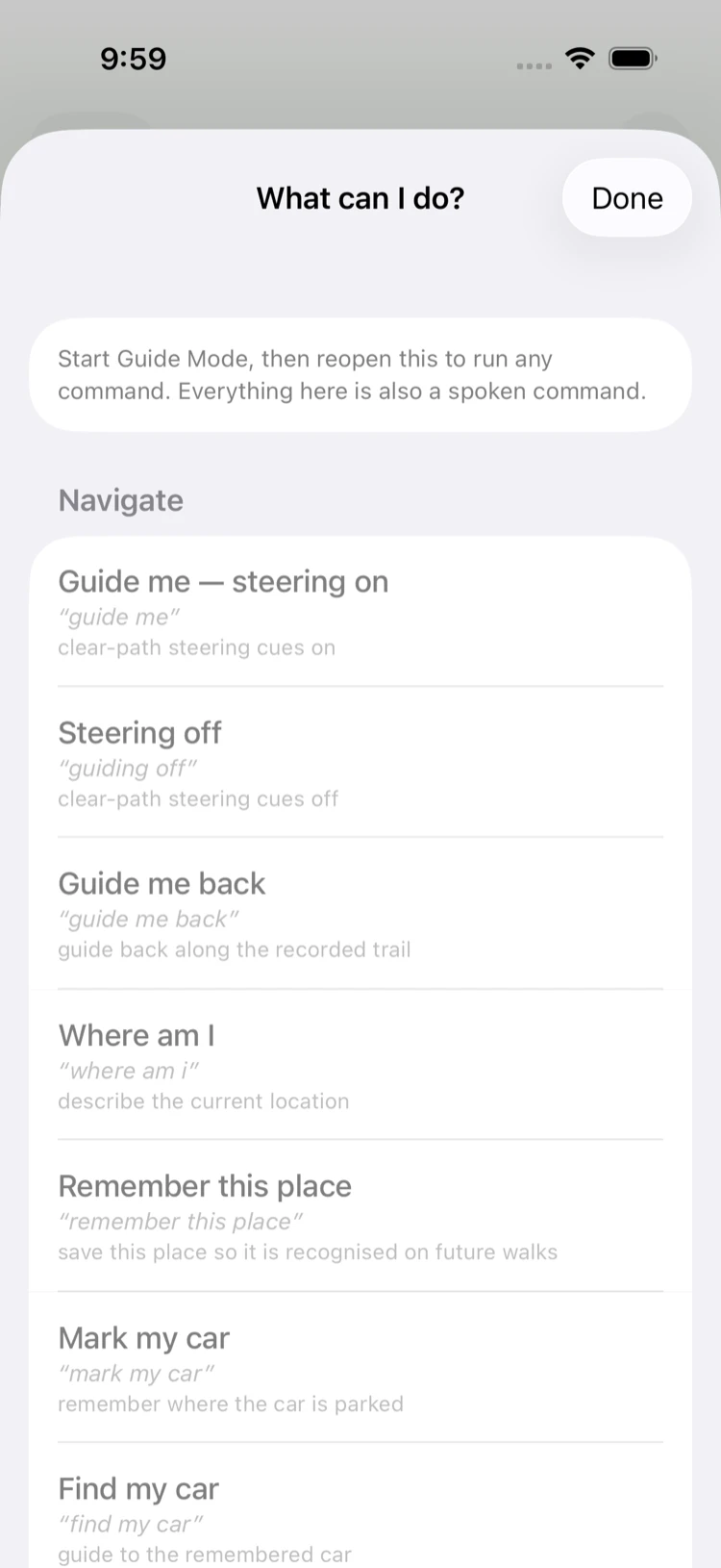
Spoken awareness of the path ahead — steps, kerbs, obstacles. It’s in development now, and it will be validated step by step with Orientation & Mobility specialists before it ever guides anyone unsupervised.
Assists everything. Replaces nothing. This is an assistive tool, not a mobility aid — it will never say “it’s safe to cross,” and it steps back whenever it’s unsure.
The vision tools are in beta on TestFlight today. Walking guidance is in development and will be validated with mobility specialists before release. See how we prove it →

Behind the technology is a simple idea: help should feel welcoming, never clinical. That’s the spirit ChatLemur is built with — warm, plain-spoken, and on your side.
One assistant, one voice, a growing set of skills. Everything below works by ear as well as by eye.
Real Australian job listings, read aloud. Try the live search below.
Crypto and market news, explained aloud — general information, not financial advice.
Shop by voice and let Lenny flag dodgy deals — she works for you, not the seller.
Talk with your people — Lenny’s already in the room.
Customers browse a real shop’s live catalogue just by talking to Lenny.
Spoken cues about the path ahead, validated with mobility specialists before it ships.
Lenny breaks a goal into steps and keeps track of what’s next — not live yet.
Also on the platform: travel & accessibility, artist pages and Discord. See all of these on the platform capabilities page →
Your workspace has text channels and threads, live voice rooms Lenny joins and speaks in with one of 21 voices, and camera video calls with screen share between the people in your room — all in one place, all accessible by ear.
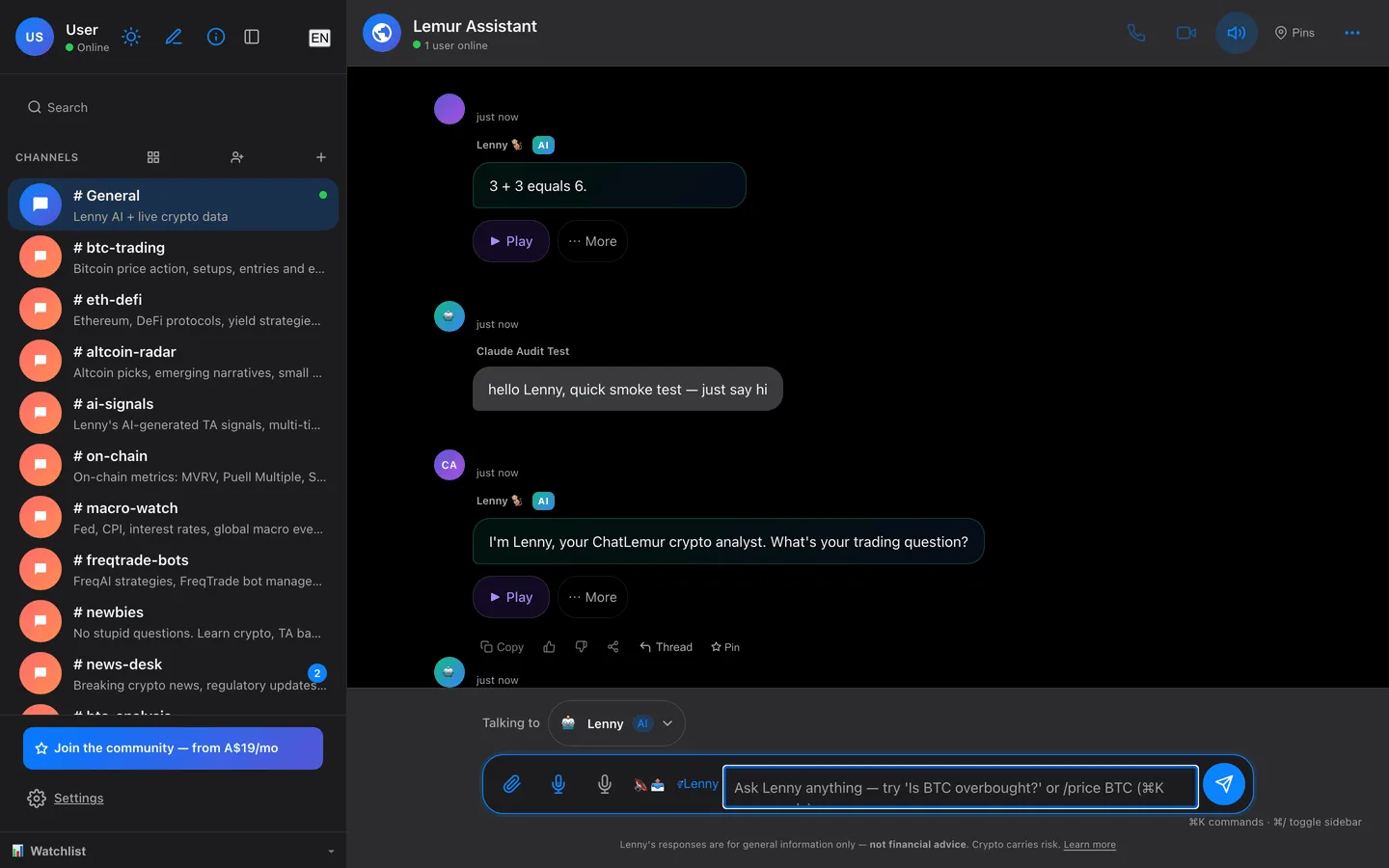
The real logged-in workspace — channels on the left, Lenny already in the room, and a Play button on every reply so the whole conversation can be heard, not just read.
I built ChatLemur because I couldn’t find a tool that saw the world the way I needed. Accessibility-first isn’t a marketing claim here — I use the product every day with VoiceOver, and every line is designed against WCAG 2.1 AA from the start, not patched on afterwards. Read our story →

She’s on your side. Lenny screens for scams, fake urgency and dodgy “deals,” and explains your Australian consumer rights in plain English. When a link ever earns us a commission, she always tells you — she works for you, not the seller.
How she protects you →Everything you need to know about ChatLemur. Still curious? Just ask Lenny.
Free during beta — ask her anything, out loud, no sign-up needed. Create a free account to save your conversations and set price alerts. Built — and used every day — by its blind founder.
Already a member? Go to the app →